Documentation sections
Money
Sending conversions to ad platforms
This is set up in the source card: Sources → click the row → the “Ad account: conversions and spend” block.
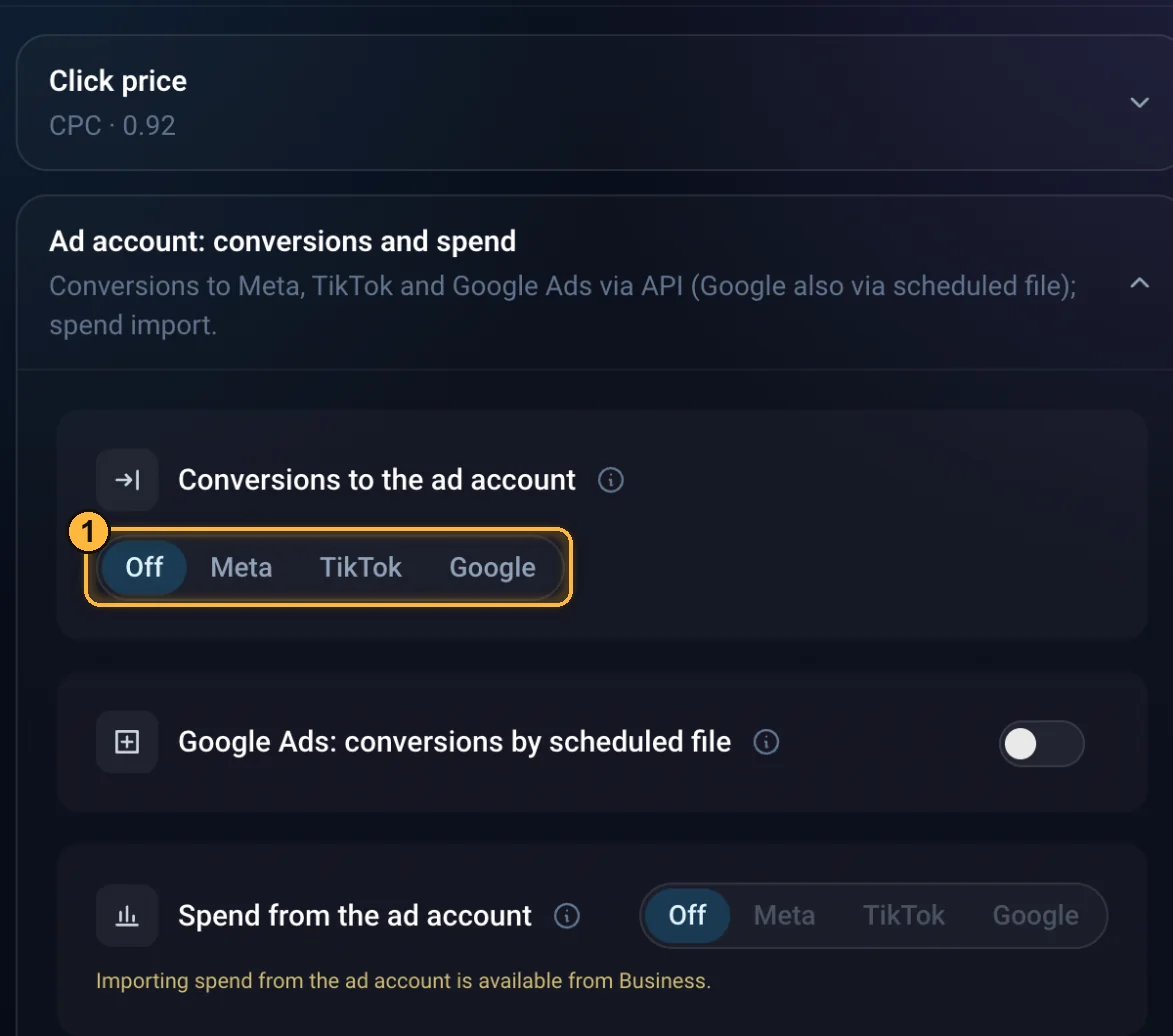
- Postback to the source: the platform gets its own click tag and the conversion status. Only the statuses ticked in “Report statuses” are sent (lead and sale by default). Each conversion status is sent once; if sending fails, there's no retry.
- Meta, TikTok, Google Ads from Professional and on the trial: Meta and TikTok use your pixel IDs and token; Google Ads uses your own OAuth app (no JSON key needed) or IDs and labels for sending from the browser. Google Ads: connection and conversions.
- Google Ads via a scheduled file from Professional and on the trial, no keys needed: paste the file address into Google Ads (“Goals → Conversions → Uploads → Schedules”). The file includes leads and sales over 90 days for clicks with a gclid.
- Spend from the ad account Business: every morning, spend for the last 3 days is pulled from Meta, TikTok and Google Ads. A campaign's spend goes to the flow whose clicks carry that campaign's ID. There's no spend import on the trial.
- All of this works only in flows with the tracker.
ArtisanClo · Dashboard documentation. Questions — info@artisanclo.com or @artisanclo_support on Telegram.