Documentation sections
Traffic
Traffic sources
Describe an ad platform once and pick it in your flows.
Open sources
Left menu → Sources → Add a source 1.
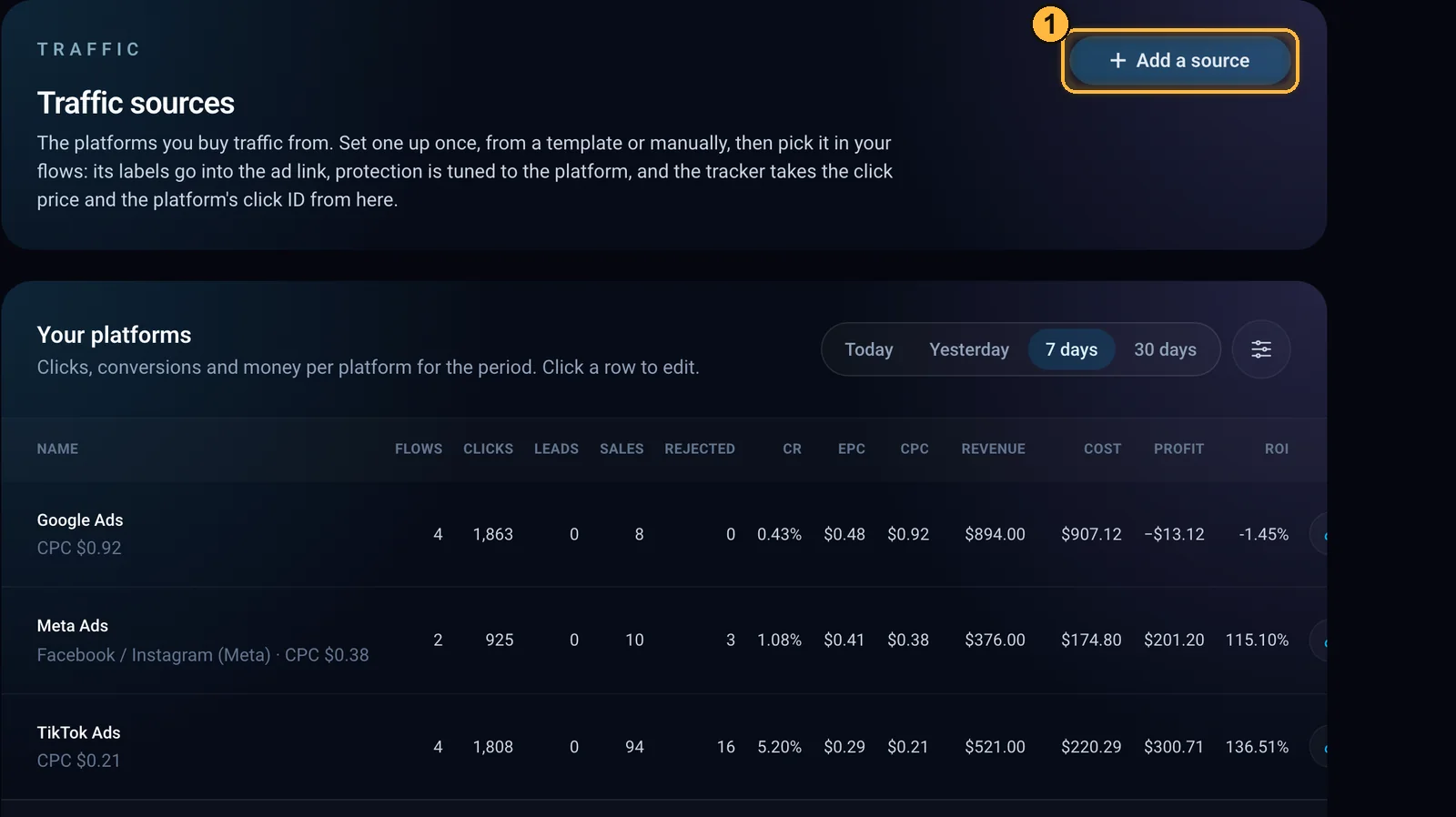
The platform table for the period and 1 the add button. Name the source and pick a template
Enter a name 1, pick a platform template 2 (the list is searchable by name) and click Save 3.
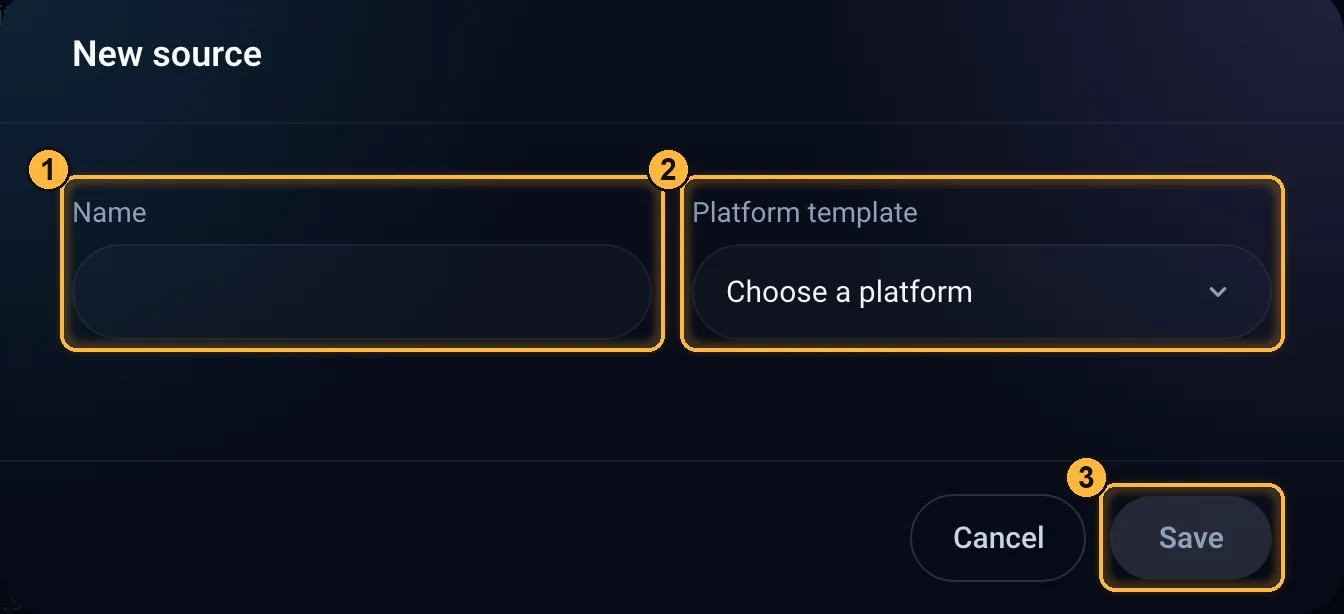
New source. 1 “Name”, 2 “Platform template”, 3 “Save”. Check the parameters
Clicking a row opens the source: the postback to the source (the address the platform learns about leads and sales from), ad link parameters and cost per click.
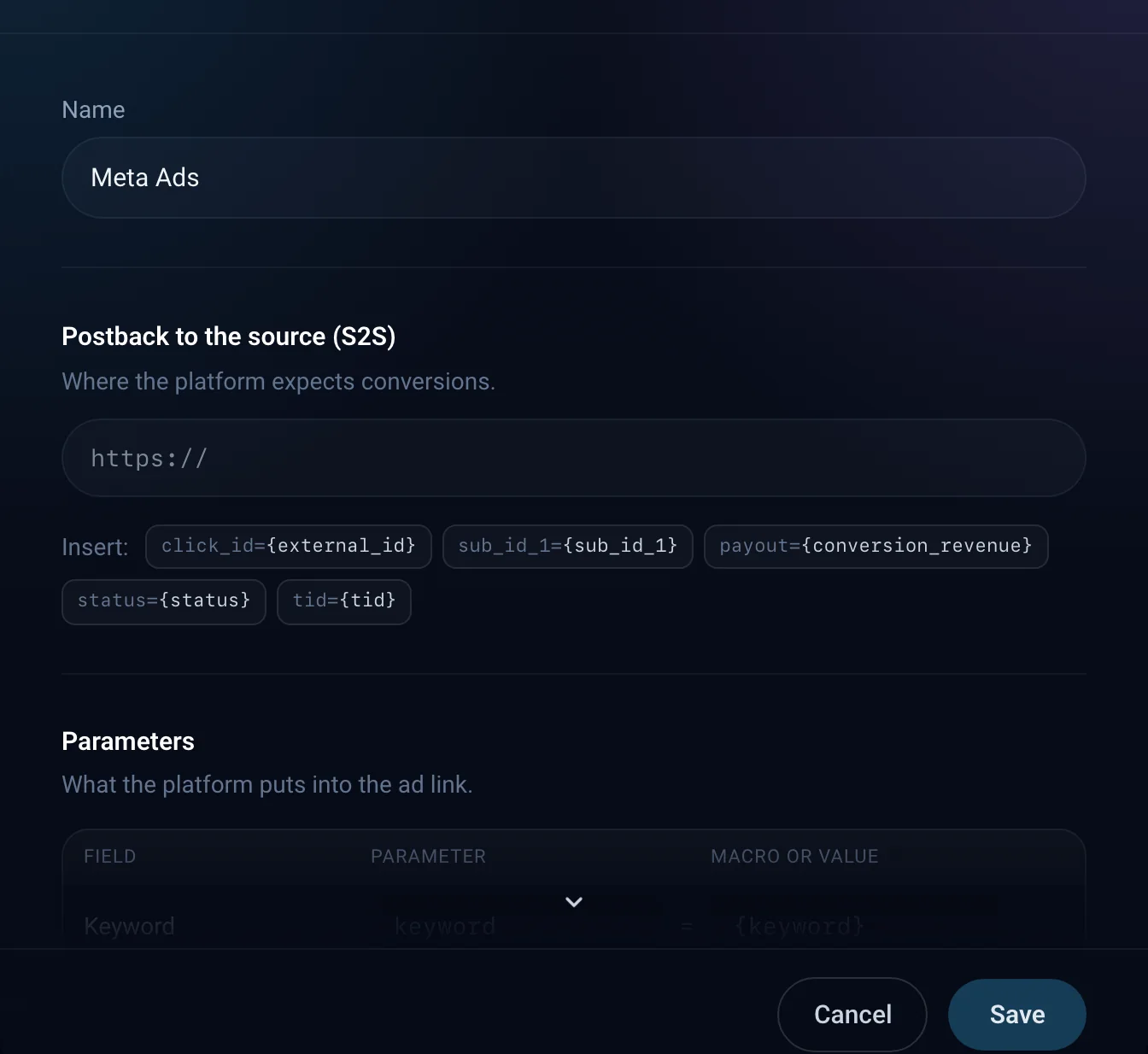
The source after saving.
- List: a table for today, yesterday, 7 or 30 days, but no deeper than your plan's history (the trial has no “30 days”): flows, clicks, leads, sales, rejected, CR, EPC, CPC, revenue, cost, profit and ROI. The Choose columns button hides and reorders them; the name always stays.
- Platform template: about 180 ready templates, or your own platform.
- Parameters: keyword, cost, currency, the platform's click tag, creative, campaign, the site or app where the ad was shown, and SubID tags (up to 500); campaign labels; the cost per click model.
- Didn't find your platform among the templates? Add it from the template search with the Add a platform button. It will appear among your account's templates.
- Postback to the source: the address the platform uses to learn about leads and sales. You can choose which statuses to report.
- Sending conversions and importing spend: see Sending conversions to ad platforms.
- Keys and tokens are stored encrypted and aren't shown again after saving.
- Source limit: Starter, 3; Professional and the trial, 20; Business, unlimited.
- If you delete a source, the flows stay but stop taking tags, cost and postback from it.
ArtisanClo · Dashboard documentation. Questions — info@artisanclo.com or @artisanclo_support on Telegram.